
Pioneer Build — Getting Started

WORLD3
How to log in and get started inside Matrix World
With the launch of Matrix World, and with landowners eagerly awaiting access, it’s time to outline how users will be able to enter the world, start exploring, customize their details, and engage in conversation with other landowners!
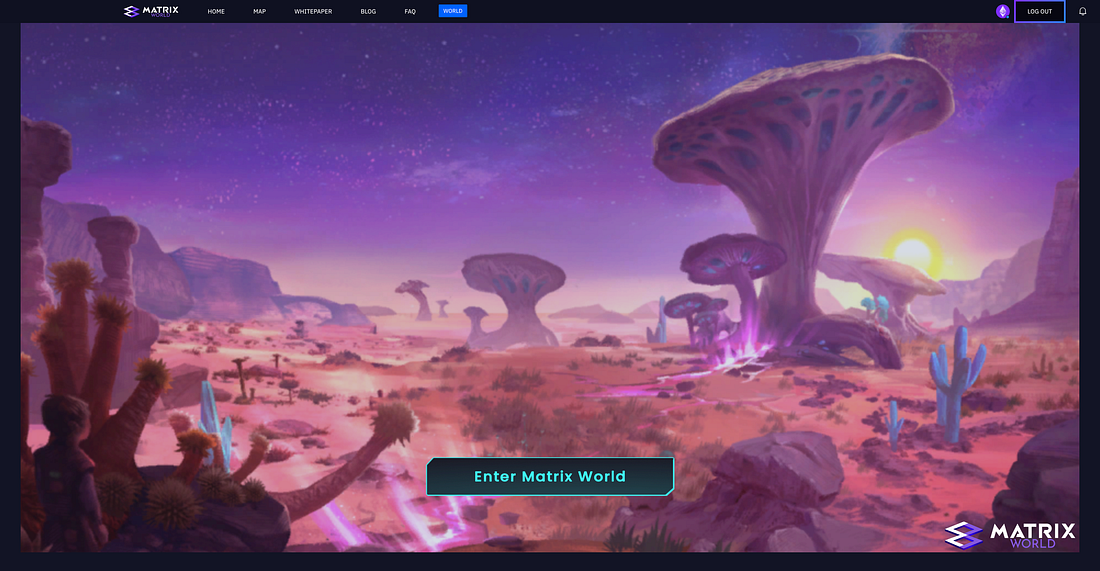
Enter Matix World
This is Part Three of our Pioneer Build introductory series. In our previous article, ‘Lumens,’ we explored the purpose of this in-world resource and discussed how users could expect to utilize them. In this article, we will go over everything Landowners need to know to get started in the Pioneer Build.
Logging in
The Pioneer Build of Matrix World is exclusively accessible to landowners. Therefore, users will be required to log into their accounts before accessing Matrix World. Users who do not have land associated with their connected wallets or are trying to access outside of their scheduled time will encounter a prompt notifying them that they currently do not have access to Matrix World.
Logging into Matrix World is a straightforward process that can be completed in four easy steps:
- Visit the official Matrix World website at https://matrixworld.org.
- Click on the “World” tab in the website's menu bar. You will be prompted to connect the wallet that holds your NFT(s) and sign a message to verify ownership.
- If you are a new user, you will need to register. The confirmation email may take between 2 to 5 minutes to arrive. If it does not arrive after this period, please check your spam or junk folder.
- After registration, you’ll have the option to “Enter Matrix World” and start exploring!
Please note that this log-in process only needs to be repeated if the browser has been closed or the wallet has been disconnected from the page.
Alternatively, in the future, you can go directly to Matrix World using the following link: https://matrixworld.org/world
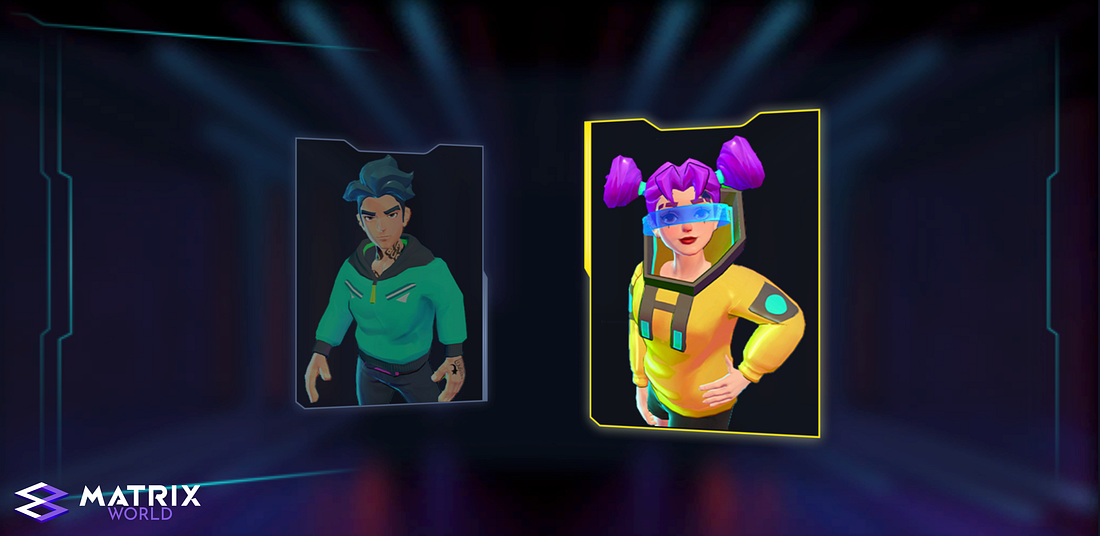
Avatar Options
Avatar Selection
One of the initial steps you’ll undertake is to select your avatar for use within Matrix World. Please note that in this version, you cannot change your avatar once you have entered the world. Therefore, make your selection wisely on your first entry. Plans to add additional avatars and wearables are already underway for future builds.
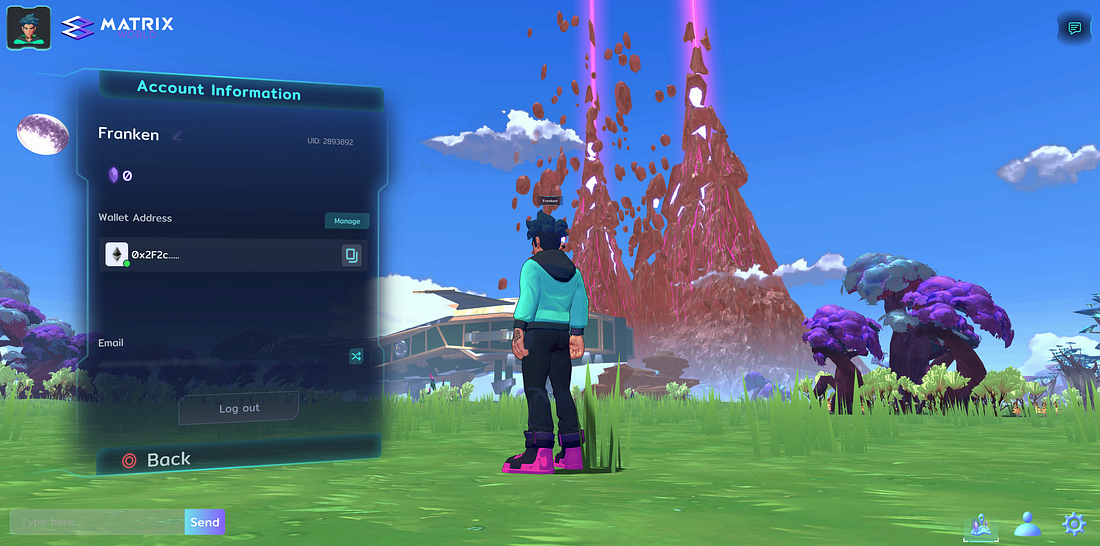
Account Information
Account Information
On your account information card, you can view your nickname, Lumens balance (to be introduced in the future), wallet address, and registered email. Bear in mind once you update your nickname, there is a time lock of 10 days before it can be updated again. This panel also offers the option to log out of the world.
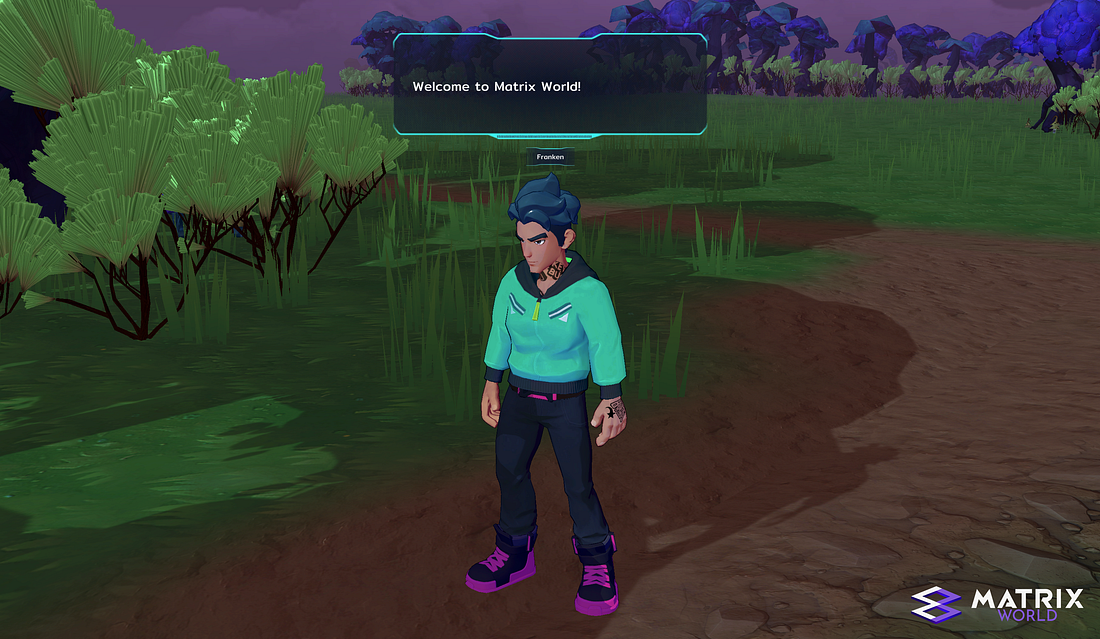
Chat
When logged in, users can chat in-world; a dialogue box appears above the avatar’s head when messages are sent. To engage in in-world chat, press ‘Enter’ to activate the chat box located in the bottom-left corner, type your message, and then press ‘Enter’ again to send it. These messages disappear after 5 seconds.
This is part three of our Pioneer Build introductory series. Our next article will be ‘Movement and Navigation,’ covering how to get around inside Matrix World. Stay tuned for the release of that article.
About Matrix World
Matrix World, inaugurated in 2021 by its parent company Matrix Labs, stands as one of the first multichain metaverses of its kind. Matrix World was conceived with a focus on accessibility, therefore not confining developers and end-users to a single blockchain. Each parcel is powered by its unique computational capabilities and storage resources, giving users complete control over what is constructed and the lifecycle of the objects on their land. In February 2022, Matrix World successfully secured $5.5M from 17 investors during an angel-round funding at a $50M valuation, thereby strengthening the growth and development of the Matrix World project.
To learn more about Matrix World or get in contact, please visit the links below: